


Getting started
The razza portal is where you run your day: bookings, customers, your team, prices and invoices. Open it at app.razza.sa on a phone or computer, and add it to your home screen to open it like an app.
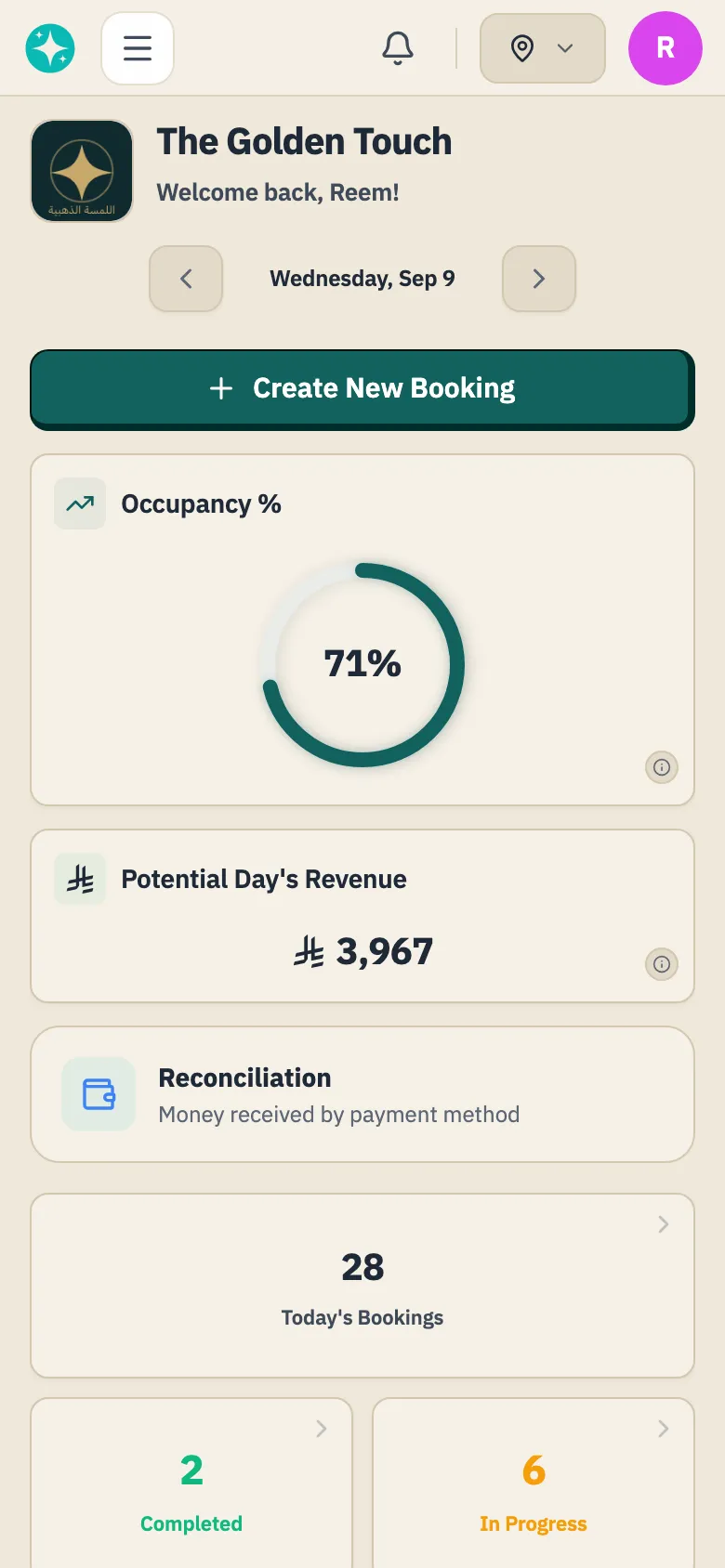
The portal is not your booking site
Section titled “The portal is not your booking site”Your booking site is a public page customers open and book from whenever they like. The portal is for you and your team, and nobody reaches it without an account.
Who gets in
Section titled “Who gets in”Everyone signs in as themselves: you as the owner, and each team member through an invitation you send, where they set their own password. Accounts are not shared.
Permissions decide the rest. A page a team member has no permission for is absent from their menu, and typing its address in the browser does not get them in either.
Why a page is missing from your menu
Section titled “Why a page is missing from your menu”Some pages start switched off for every new business, and only razza can turn them on: Product sales, Online payments, Spotlight, Commissions, Loyalty, Gift cards and Reviews. Granting permissions does not make them appear, so ask razza for the one you want, then sign out and back in to see it in your menu.
Choosing a branch
Section titled “Choosing a branch”With more than one branch, a branch selector appears at the top of the portal, as a location pin on a phone. razza opens on your main branch, then remembers your last choice in that browser. Choose a branch, or All Branches, and most pages, from Today and Bookings to Services and Analytics, show only that choice. Working Hours needs one branch chosen. Team members see only their own branch on these pages, so they get no selector.
Start with these three
Section titled “Start with these three”- Opening hours: when your branch opens and closes.
- Services and prices: what you offer, and how long it takes.
- Invite your team: who provides the service and who greets customers.
Then open your booking site and check the services and times look right before you share the link.
Was this article helpful?
Thank you.
Thank you, we will review this page. If you need help now, contact us below.
Didn't find what you needed? Message us on WhatsApp or send an email
Maintained with by the razza team