


E-invoice statuses
The status beside an invoice tells you where it stands with ZATCA. Most statuses need nothing from you.
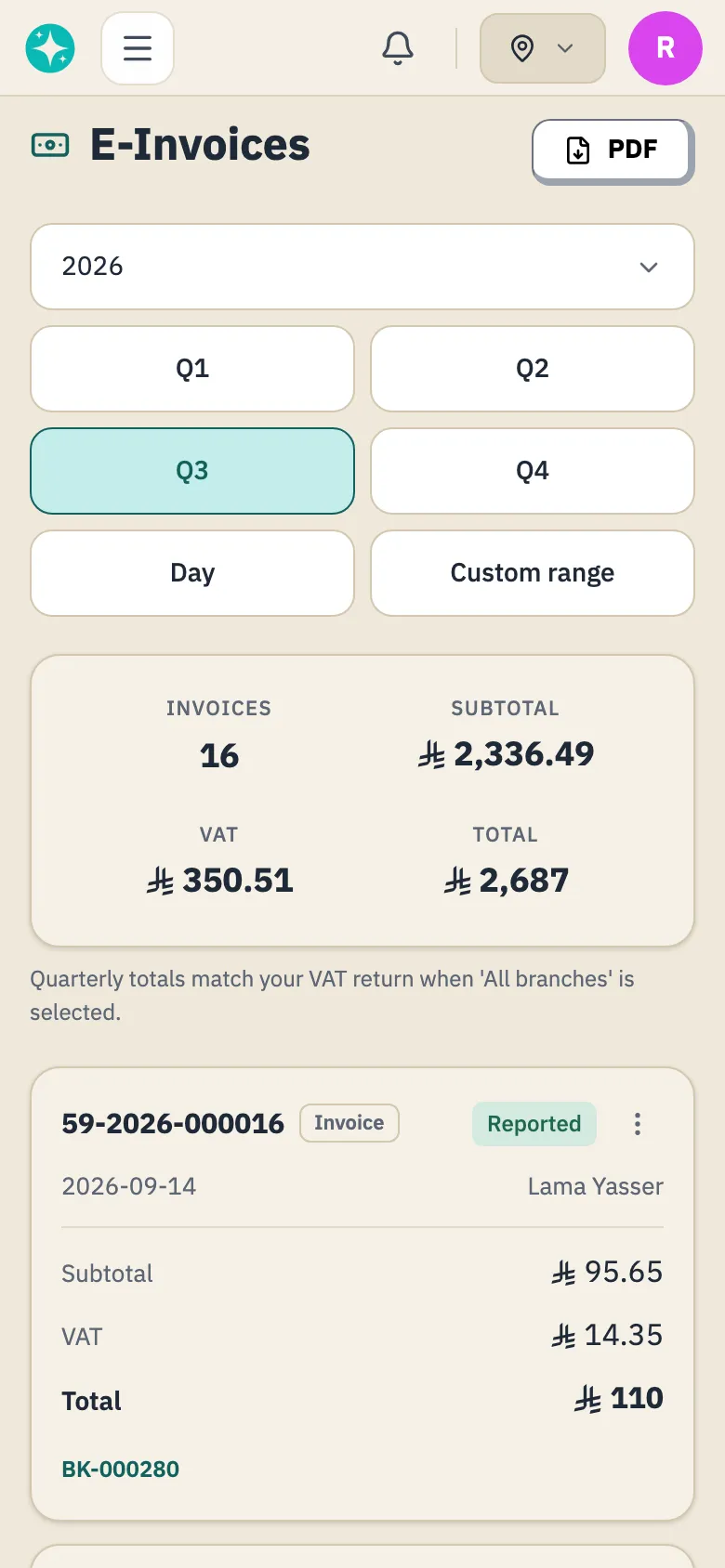
What each status means
Section titled “What each status means”- Draft: razza is still preparing the invoice, and moves it to Pending by itself. An invoice that stays a draft is never reported on its own, so you can send it with Submit to ZATCA from its row menu.
- Pending: waiting to be reported. razza holds every new invoice about 12 hours, then reports it. If your business is not connected to ZATCA yet, the invoice waits here until it is. If you turned off Send invoices to ZATCA automatically in your ZATCA settings, razza does not send them for you: send each one within 24 hours of issue with Submit to ZATCA from its row menu, or all at once with Send all to ZATCA at the top of E-Invoices.
- Reported: ZATCA accepted it. Nothing more is needed.
- Failed: razza could not report it, or ZATCA refused it. The reason shows under the status, and the next section says what to do.
- Issued (tax-exempt): issued while your business was not registered for VAT, so razza does not send it to ZATCA.
- Cancelled: razza cancels an invoice that is Issued (tax-exempt) when its booking is cancelled, or reopened after checkout. A deposit document, tagged Deposit, keeps its status.
- Submitted and Rejected: older statuses razza does not set today.
Why does an invoice fail?
Section titled “Why does an invoice fail?”The reason shows under the status. When it is your business address, razza did not send the invoice because the address is incomplete or malformed: the building number must be 4 digits and the postal code 5, with the street, district and city filled in. Correct them in your tax details. If Send invoices to ZATCA automatically is on, razza usually sends the invoice again by itself. To send it straight away, or if the switch is off, use Submit to ZATCA from its row menu.
For any other reason, you can try again with Submit to ZATCA from the invoice’s row menu. If it fails again with the same reason, contact razza.
What about credit and debit notes?
Section titled “What about credit and debit notes?”razza issues a note to correct an invoice, as the invoices page explains. Each note shows in the list tagged Credit Note or Debit Note beside its number, and goes through the same statuses, starting at Pending.
When you reopen a checked-out booking with Reopen booking on the booking’s page, razza reverses its invoice, and each debit note on it, with a credit note of its own, unless the invoice is Issued (tax-exempt). The invoice keeps its status and shows Reversed by credit note, and razza issues a new one at the next checkout. Each of these credit notes waits until the document it reverses is Reported.
razza never sends a note to ZATCA before the invoice it adjusts is Reported. Until then the note stays Pending, even if you choose Submit to ZATCA, so when that invoice is Failed, fix and send the invoice first. You can also tick the invoice and its note and send them together from Actions: razza sends the note once ZATCA accepts the invoice. Once the invoice is Reported, the note is sent like any other invoice.
Worth knowing
Section titled “Worth knowing”The totals at the top of E-Invoices, for whatever period you choose, and the PDF you export from there leave out every invoice that is Failed, Draft or Cancelled. Only the owner and staff who can manage e-invoicing see Submit to ZATCA and Send all to ZATCA, and never for a business that is not registered for VAT.
Was this article helpful?
Thank you.
Thank you, we will review this page. If you need help now, contact us below.
Didn't find what you needed? Message us on WhatsApp or send an email
Maintained with by the razza team