


Keep your WhatsApp number connected
Your number stays connected as long as you keep using the WhatsApp Business app on your phone. Meta changes a few things in the app once it is connected, and a few actions in the app or in your Meta account disconnect it.
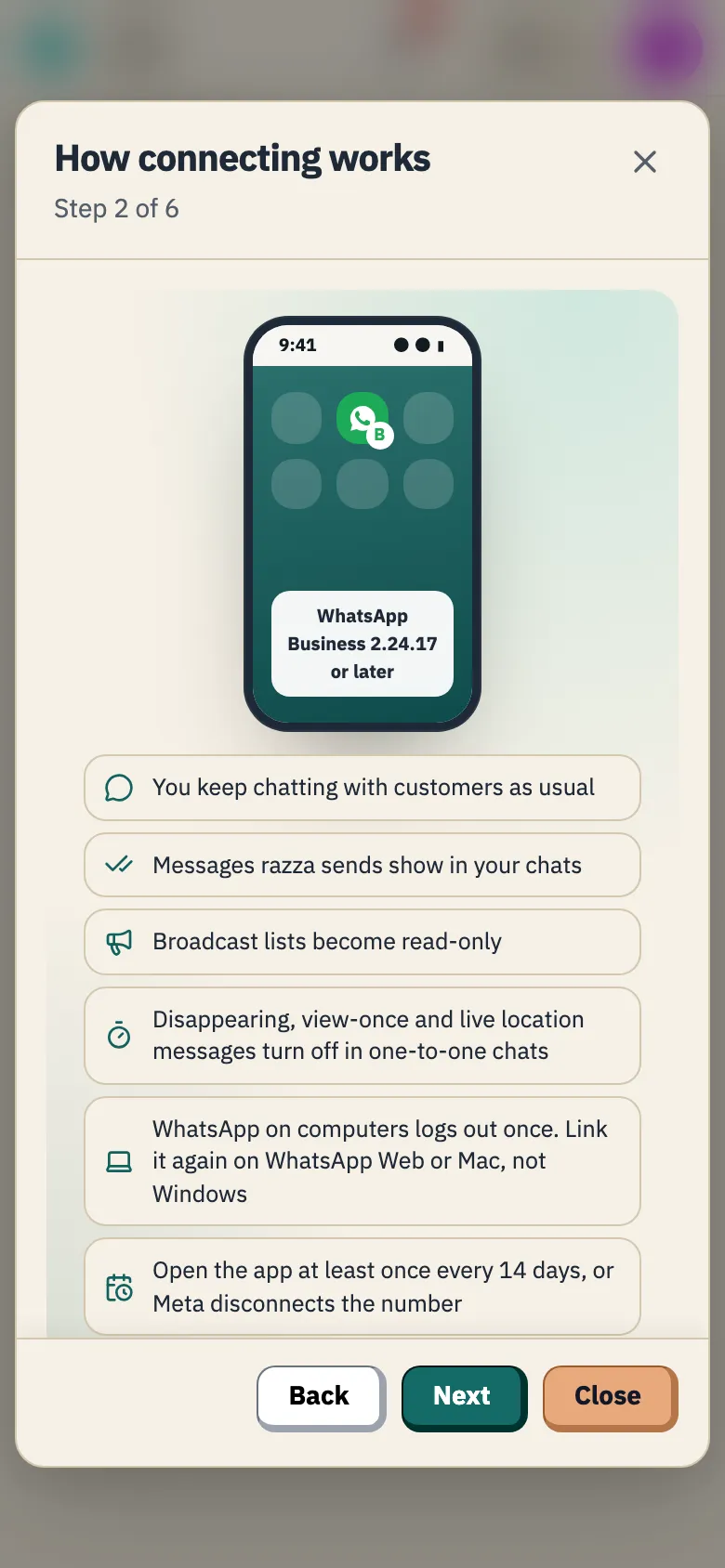
What changes in the app
Section titled “What changes in the app”- You keep chatting with customers from the app as usual.
- The messages razza sends for you show in the app’s chats.
- Broadcast lists in the app become read-only.
- Disappearing messages, view-once media and live location turn off in one-to-one chats.
- WhatsApp on your linked devices, such as a computer, logs out once when you connect. You can link them again afterwards, except WhatsApp for Windows, which is not supported. Use WhatsApp Web there instead.
- Open the WhatsApp Business app at least once every 14 days. Meta disconnects a number whose app stays closed for about two weeks.
- Keep the app on the phone with this number. Moving to a new phone? Install WhatsApp Business there with the same number, and Meta usually reconnects it by itself within a few minutes. If it has not after about 30 minutes, the tab shows Disconnected and you reconnect it yourself.
- Reply to customers from the app, as you do today.
- Don’t remove the connection to razza in the WhatsApp Business app.
- Don’t change the phone number from the app’s settings.
- Don’t move the number to personal WhatsApp.
- Don’t delete the WhatsApp account for this number.
- Don’t remove razza from your business’s Meta account.
If your number disconnects
Section titled “If your number disconnects”The WhatsApp number tab shows Disconnected and the reason, and razza sends you a notification and an email. Until you reconnect, the booking notifications that were going from your number go by email to customers who have one, and are not sent while Email when WhatsApp can't send is off. Other messages, such as invoices and payment links, are not sent.
- Fix the cause the tab names, for example by opening the app on your phone.
- Open Settings and the WhatsApp number tab.
- Select Reconnect and go through the signup window again.
razza then adds its messages to your number again, and Meta reviews each one again. Wording you wrote yourself is not carried over.
Go back to razza’s number
Section titled “Go back to razza’s number”While the number is connected, select Stop using this number on the tab and confirm. Customer messages go back to razza’s number, and the WhatsApp Business app on your phone keeps working as usual.
Was this article helpful?
Thank you.
Thank you, we will review this page. If you need help now, contact us below.
Didn't find what you needed? Message us on WhatsApp or send an email
Maintained with by the razza team